Smart Gate
A more convenient welcome home, with phone control and a configured Siri Shortcut.
- Check your existing gate controller
- Match the control module
- Plan phone and voice access
 EST. 2026WhatsApp ↗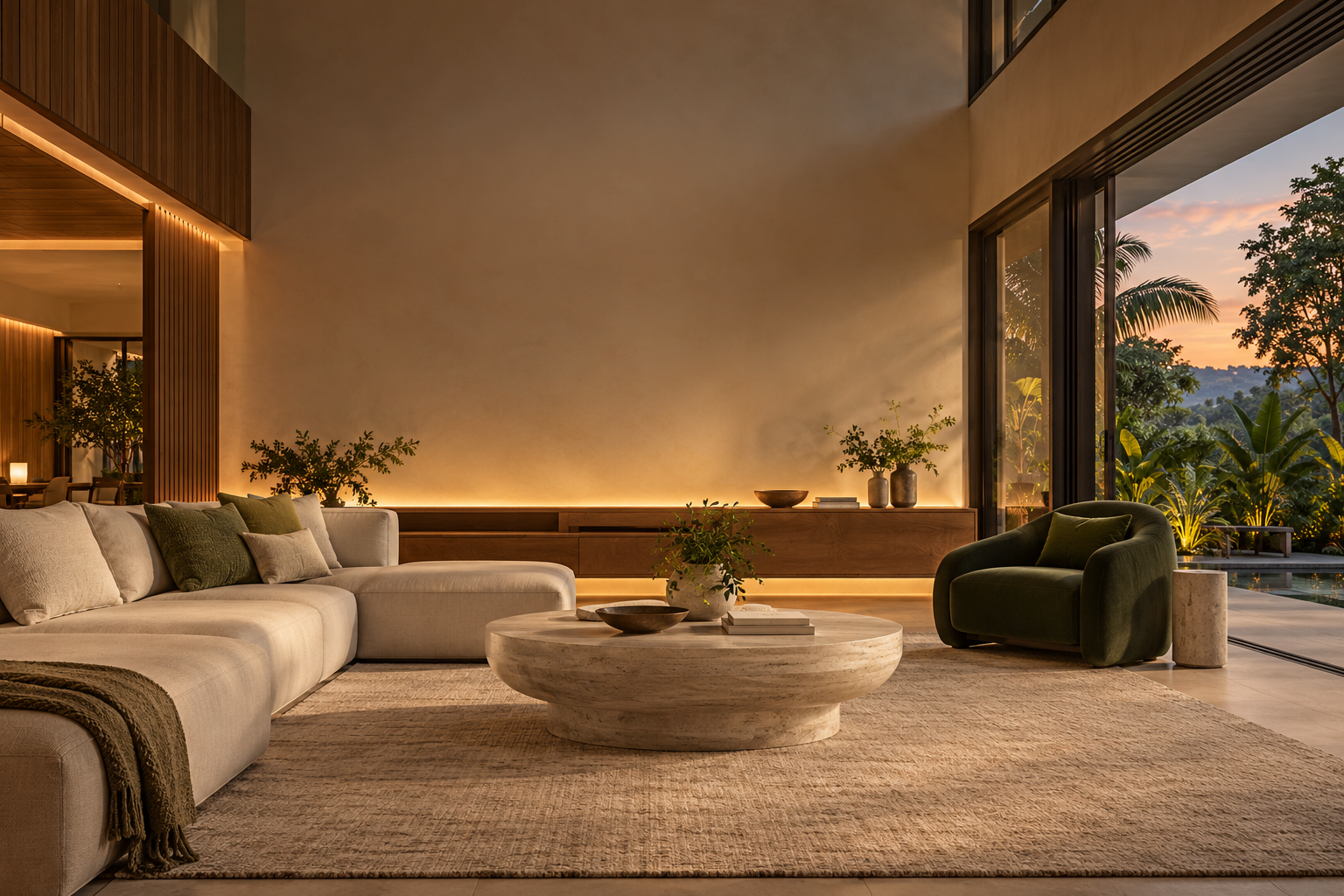
DSW SMART LIVWORK
Smart Home Supply, Installation & Setup
From your first smart gate to a connected home.
Ask about my home ↗THE STAR RING COLLECTION
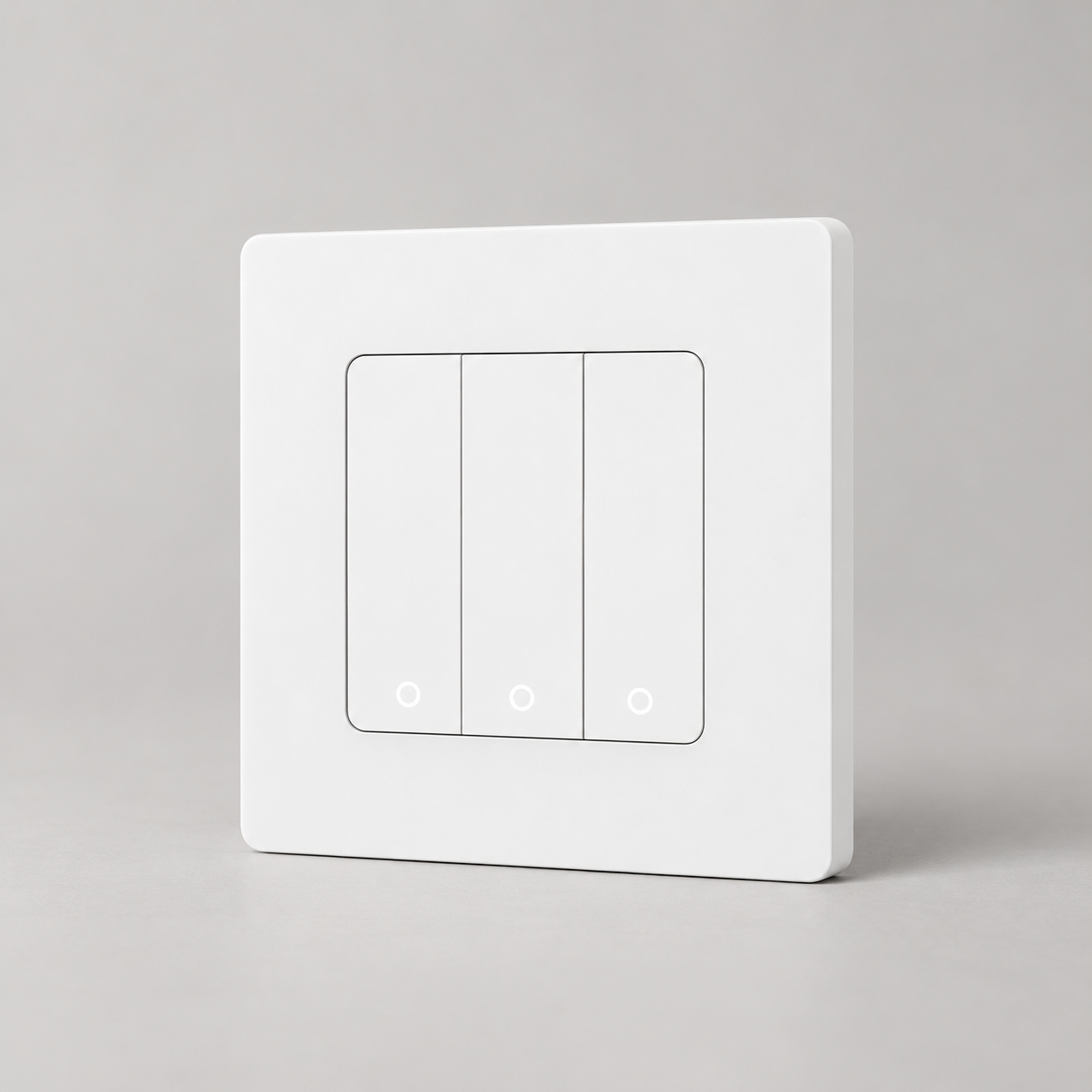
Physical control. A signature ring of light.
A MORE RESPONSIVE ROOM
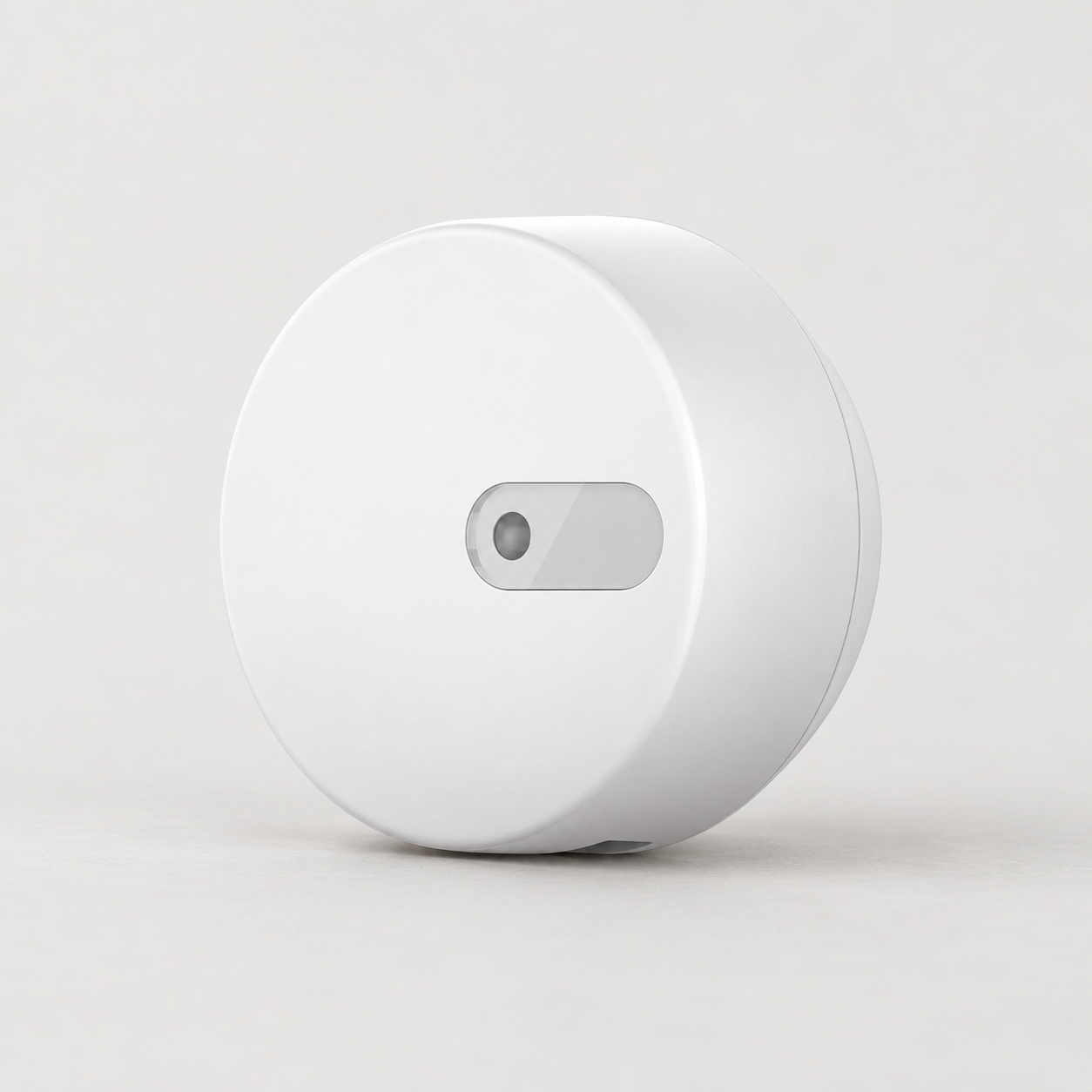
Explore routines that begin when you’re there.
SMART LIVING, THE DSW WAY
Lighting that’s easier to reach. Comfort without the remote hunt.
Small, useful connections that fit the way your family lives.
START WITH WHAT MATTERS
Choose a starting point. We’ll help match the details.
A more convenient welcome home, with phone control and a configured Siri Shortcut.
Start with the room you use most. Bring lights, sensors and suitable appliance controls together.
A considered plan for your rooms, wiring and network, with your interior designer welcome in the conversation.
Each plan is tailored. Your quotation confirms the equipment, installation, setup and any additional work before you proceed.
DESIGNED TO FIT YOUR SPACE
A clean physical button.
A subtle circular glow.
1 / 2 / 3 GANG · ZIGBEEA LITTLE HELP, HANDS-FREE
Google Nest Mini.
One compact voice companion.
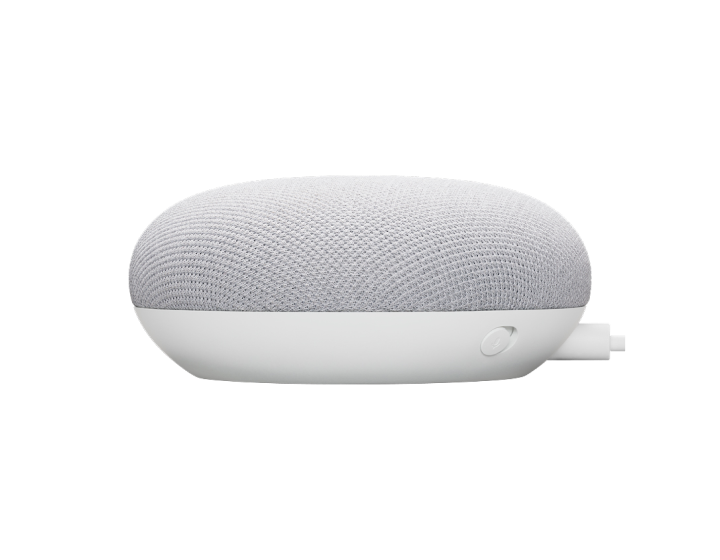 VOICE · MUSIC · LINKED HOME CONTROLS
YOUR HOME, CONNECTED
Find the right starting point for your space.
THE DSW HOME, ROOM BY ROOM
Tap a space. Discover a simpler everyday.
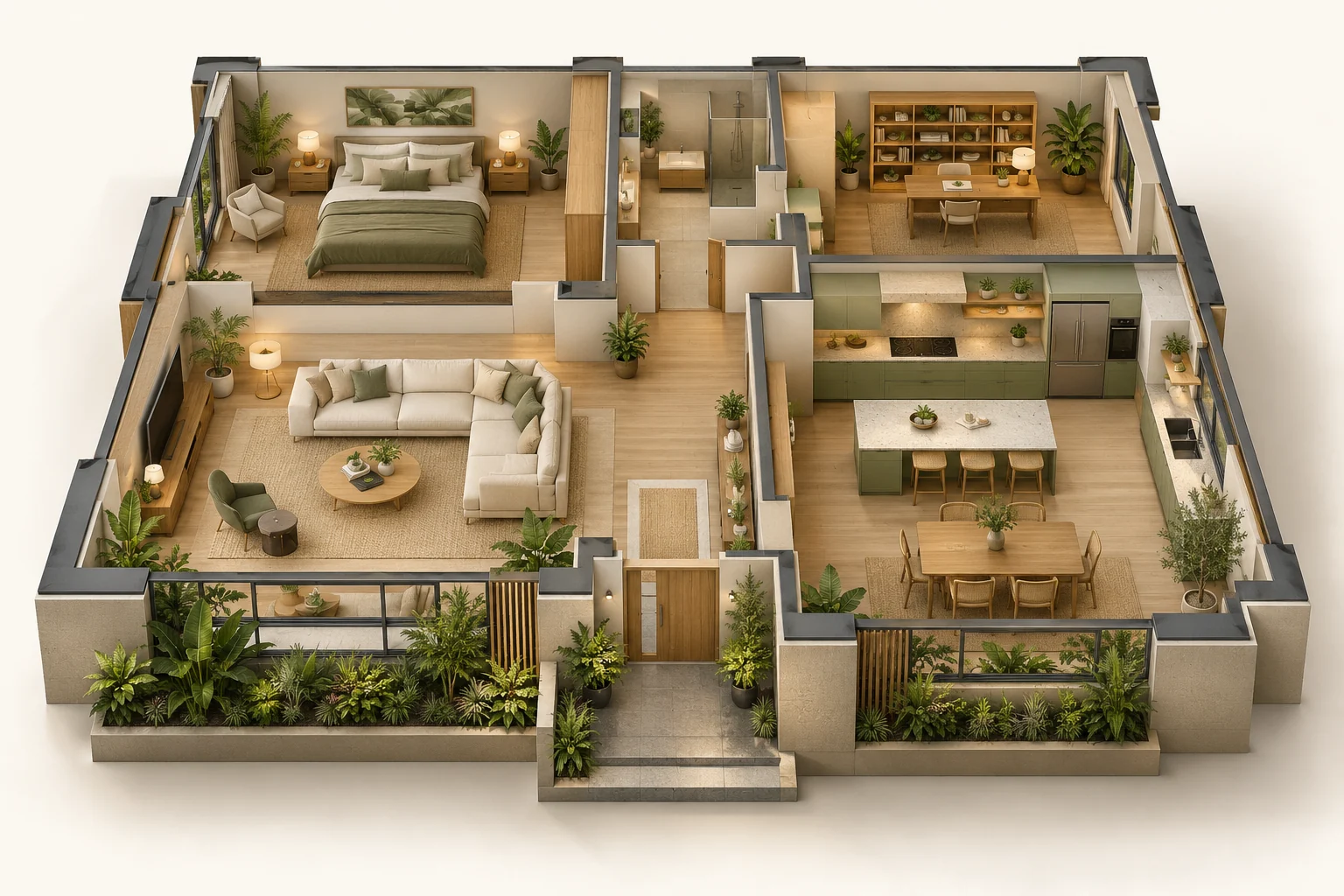
Tap a control and watch the home respond.
Choose a room, then try the controls.
Website simulation only. Installed functions depend on compatible devices and configuration.
Concept illustration · Explore ideas for your own layout.
01 / LIVING ROOM
Bring your lights, presence sensing and compatible remote controls into a considered living-room setup.
Walk in. Let a configured presence routine guide the lights.
Explore suitable devices
Suggested ideas, not a fixed package. DSW confirms device compatibility, wiring and setup.
SEE THE CONNECTED HOME IN ACTION
Take a look at home and away scenes, presence sensing and linked controls, all in one home demonstration.
52-second demonstration · Original audio and bilingual on-screen labels.
Demonstration features require compatible devices and configured routines. DSW confirms which functions suit your home.From arriving home to heading out.
Unable to play? Open the video directly ↗
DISCOVER DSW
Explore. Compare. Find your fit.
Try a different search or explore the full collection.
Selected product photographs are styled for presentation. Exact models, colours, availability and compatibility are confirmed with DSW.
ONE CONSIDERED SETUP
Match your switches, sensors and hubs to the platform you prefer. DSW helps put the right pieces in place, from one room to your whole-home plan.
Apple Home and Google Home support depend on the selected devices, bridge and configuration.
 Matter bridge
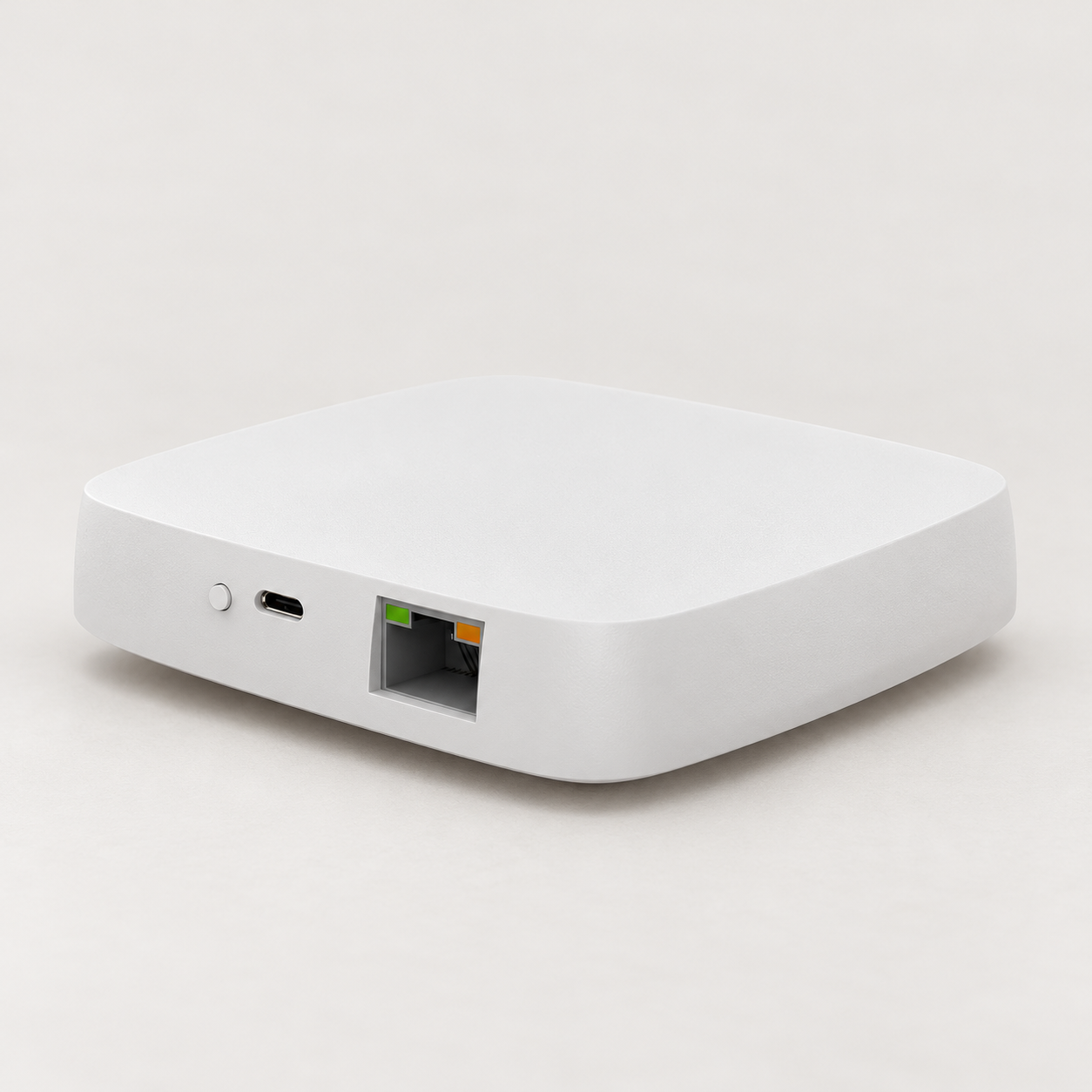 Zigbee hub
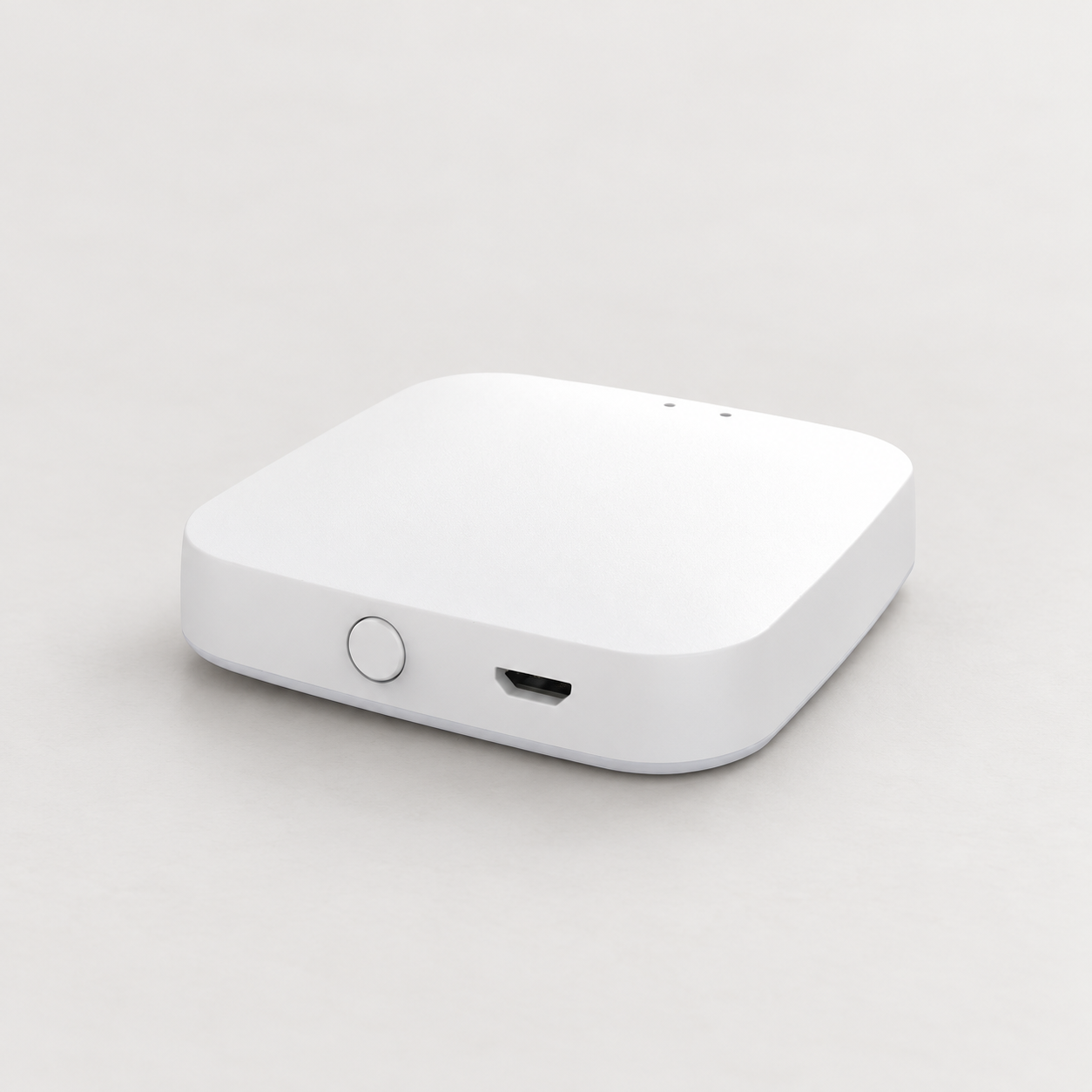 Wireless hub
CHOOSE YOUR WAY TO CONTROL
Tell us what you already use. We’ll check what connects.
Selected supported devices can connect through a compatible Matter bridge. We confirm the exact device and functions for your setup.
A configured shortcut can trigger a supported action, such as gate control. This does not mean the device appears in the Apple Home app.
Use supported app controls and linked voice commands. Availability depends on the device, account region and chosen platform.
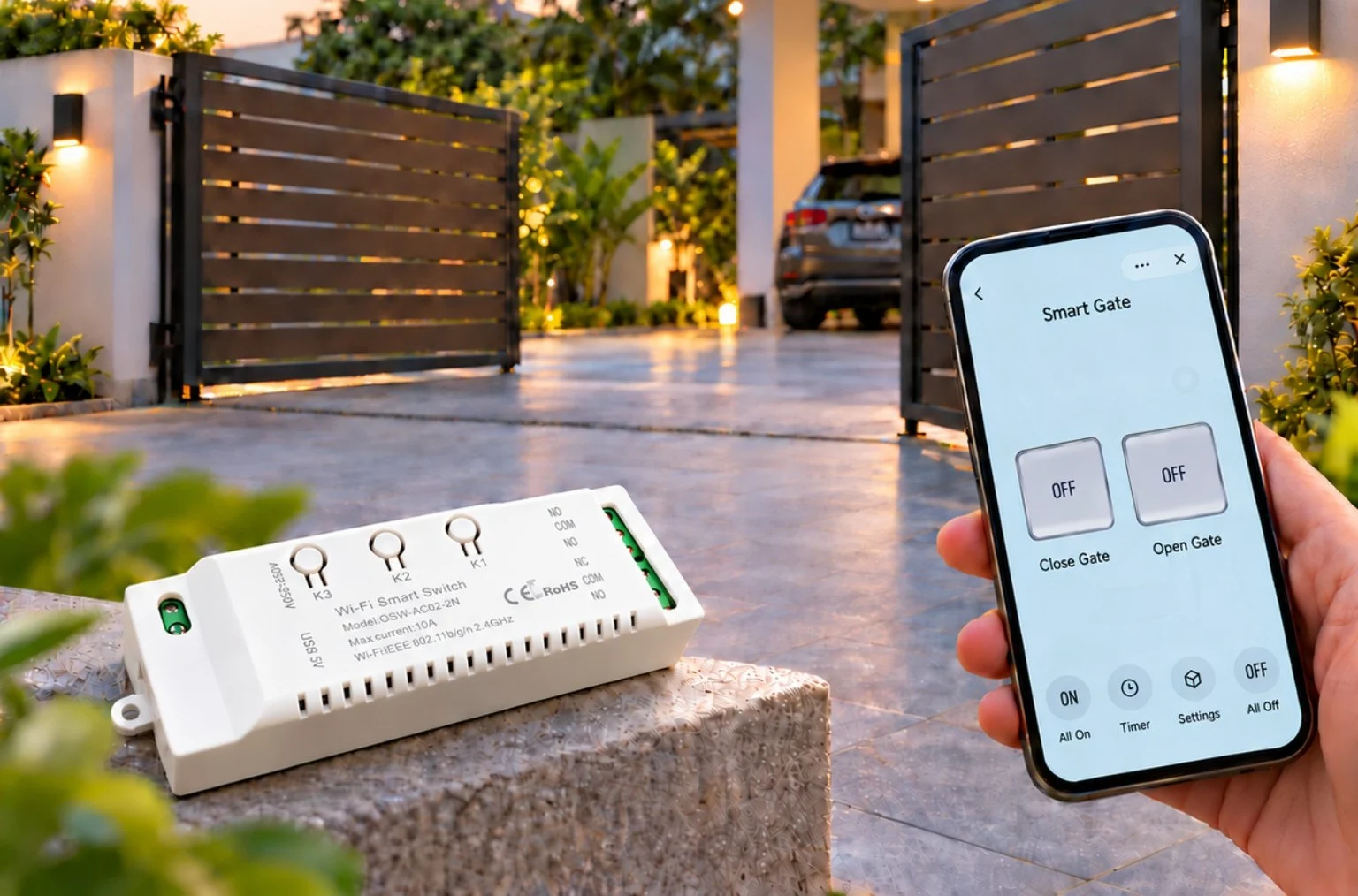
A WARMER WELCOME
Voice control via a configured Siri Shortcut.
ROOMS THAT RESPOND
Explore PIR movement sensing and radar presence detection for useful, configured routines.
Meet the sensors ↗SEE SMART ACCESS IN ACTION
See how phone-based gate control can make an everyday arrival easier.
Chinese audio & on-screen subtitles.
A compatible connected gate module and configured setup are required. Available controls depend on your installation.A simple idea. See it in action.
Unable to play? Open the video directly ↗
DSW SMART LIVWORK
Founded in 2026
Founded in 2026, DSW Smart Livwork helps bring practical smart-home control into everyday family life.
We start with your everyday. The room you use most. The control you wish was closer. The small routine that would make a difference.
Then we match a practical setup to your devices, wiring and network. Plan with DSW or bring your interior designer into the conversation.
YOUR FEEDBACK
Tell us how we did and where we can improve.
FROM THE FIRST QUESTION TO EVERYDAY USE
Share your location, home layout and what you want to control. We’ll confirm service coverage and the right next step for your project.
Start with a room, a gate, a floor plan or a conversation with your interior designer.
Review device compatibility, wiring and network needs. Confirm the equipment and work included.
Agree the installation and setup scope, including the app, supported voice commands and routines.
Walk through the agreed controls at handover. Confirm the support contact and product warranty terms in your quotation.
A FEW USEFUL ANSWERS
Yes. Tell us your longer-term goals so the first devices and hub can be selected with future additions in mind. Each new device still needs a compatibility check.
Send the model number or a clear photo. Air-conditioner control may use a matched infrared remote; gate control needs a compatible controller and module. Features are confirmed before quotation.
No. Apple Home support depends on the exact device and bridge. Siri Shortcuts is a separate control method. DSW helps check the route for your chosen devices.
Ask DSW to confirm coverage for your location. Your quotation should state installation and setup scope, product warranty terms and how to contact DSW for support.
PLAN WITH A LITTLE MORE CONFIDENCE
A useful planning range, with room for the details we’ll confirm together.
INDICATIVE PLANNING BUDGET
Planning range only — not a fixed quotation or a maximum-price promise.
Indicative scope: 10 switch panels, 4 sensing zones and 4 IR zones.
Final pricing may be lower or higher after checking switch positions, gang counts, wiring, device models, network coverage and site conditions.
Quoted separately: smart curtains, smart locks, cameras, autogate modules, dedicated heater / AC power switches, voice speakers, new wiring, wall repairs and network upgrades. Applicable taxes, if any, are confirmed in the final quotation.
Share this budget with DSW
WhatsApp 011-2432 3369 WhatsApp 012-258 4931 Your selections are added to a WhatsApp draft for you to review.LET’S TALK ABOUT YOUR HOME
Tell us a little about your home for a more useful first conversation.
Then choose either DSW WhatsApp contact below.
Optional details — added to your WhatsApp draft when you choose a contact.
Opens WhatsApp with a message ready for you to review and send.